
Hide Shipping Methods for WooCommerce – Show Only Free Shipping
Hide paid shipping methods when WooCommerce free shipping is available, so customers only see Free shipping. Optionally keep Local Pickup.
Will this break my store?
What the WordPress.org registry says about keeping Hide Shipping Methods for WooCommerce – Show Only Free Shipping running.
Tested to 7.1.3
Tested against the WordPress branch in use today.14 days ago
At least 1.3 releases a year since launch. WordPress.org only lists versions still available for download, so the real number may be higher.7.4
Your host must be running at least this version.4.5
woocommerce
These must be installed and active first.2
Maintenance & trust
Scored on how Hide Shipping Methods for WooCommerce – Show Only Free Shipping is looked after — not on how many stores run it.
Maintenance
35 / 35WordPress compatibility
20 / 20Support responsiveness
Not enough dataMerchant satisfaction
Not enough dataListing transparency
10 / 10Ratings
No one has rated this plugin on WordPress.org yet. That is a statement about the ratings page, not about the plugin — plenty of well-kept plugins never collect them.
When a customer qualifies for free shipping, WooCommerce still lists your paid shipping methods next to it. Customers get confused, and some even choose a paid option by mistake.
Hide Shipping Methods for WooCommerce fixes this. As soon as WooCommerce’s Free shipping method is available, all other shipping methods are hidden in the cart and at checkout. You can also keep Local Pickup visible next to free shipping.
Features
- Shows only Free shipping when it is available: flat rate, table rate and other paid methods are hidden.
- Option to keep Local Pickup alongside Free shipping, including the pickup locations of the block-based Checkout.
- Uses WooCommerce’s own Free shipping rules (minimum order amount, free shipping coupons) from your shipping zones.
- Works with the classic cart and checkout and with the Cart and Checkout blocks.
- Compatible with WooCommerce High-Performance Order Storage (HPOS).
- One setting and no slowdown: it only filters the shipping rates WooCommerce has already calculated.
How it works
- Set up Free shipping in a shipping zone (WooCommerce > Settings > Shipping), for example with a minimum order amount.
- Go to WooCommerce > Settings > Shipping > Shipping options and choose either:
- Hide all other shipping methods and only show “Free Shipping”, or
- Hide all other shipping methods and only show “Free Shipping” and “Local Pickup”.
- Save. When an order qualifies for free shipping, customers see only the methods you chose.
When an order doesn’t qualify for free shipping, all your shipping methods are shown as usual.
Like the plugin? Please consider leaving a review. It helps other store owners find it.
WooCommerce > Settings > Shipping > Shipping options, in the “Hide shipping methods” section.
WooCommerce’s built-in Free shipping method, with whatever conditions you set for it (minimum order amount, coupon). Zero-cost rates from other shipping plugins are not treated as free shipping.
Yes, with both the classic and the block-based cart and checkout. The “Local Pickup” option also keeps the block-based Checkout’s pickup locations.
Yes. Free shipping is set per shipping zone, and the plugin follows WooCommerce’s decision about whether it applies to the order.
In the “Free Shipping and Local Pickup” mode, developers can add other shipping method IDs with the dew_hide_shipping_pickup_method_ids filter.
Ask in the support forum.
Categories
Plugin details
Tags on WordPress.org
Alternatives
Other plugins in the same categories.
Weight Based Shipping Table Rate for WooCommerce – Flexible Shipping

Weight Based Shipping for WooCommerce

Free Shipping Label and Progress Bar for WooCommerce
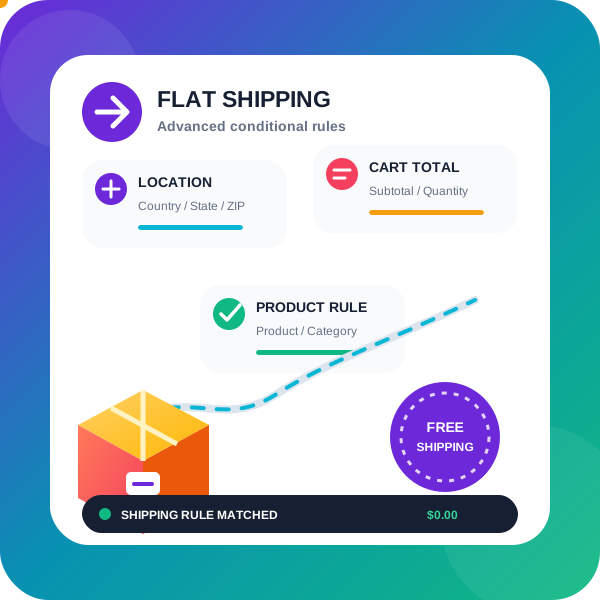
PiWeb Advanced Flat rate / Conditional shipping for WooCommerce

Advanced Shipping Rates for WooCommerce: Flexible Table Rate Shipping Rules